

A dedicated-server quote is usually long. The experience is decided by a few lines: CPU, memory, disk, and whether those match the workload. Climbing from the cheapest row often buys surplus in one item and a ceiling in another. Write down what the peak hour actually does, then read the quote. That fails less often than picking a package name first.
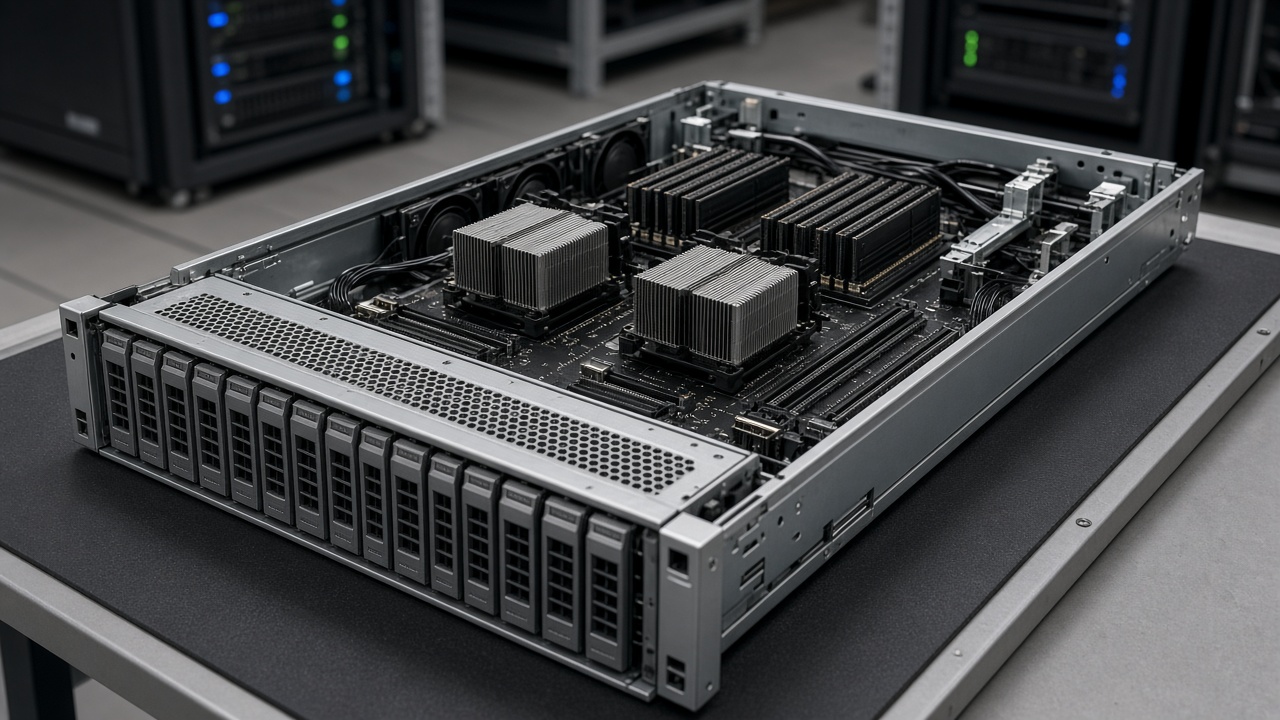
Separate core count from single-core speed. Many small concurrent requests, such as an API gateway or a reverse proxy, want cores and network. Work that stays on one thread, such as some database writes, game logic or a single transcode, does not get faster because unused cores are idle. Doubling cores does not halve time. Measure it. Two low-clock processors and one high-clock processor can have a similar price and suit completely different jobs.
Low memory looks like a slow disk
Memory is the resource you should not shave to the edge. Databases, caches and hypervisors fill it, then start swapping, and latency drops suddenly. Spare memory is also for backups, logs and the occasional batch job. Memory type and channel count affect bandwidth, but for most workloads the shortage you feel first is capacity. When disks look busy, check whether memory is already exhausted.
Split disk into capacity, speed and redundancy. A small fast system disk and a data disk sized for capacity is the usual split. One disk couples the system and the data, and one failure takes the machine. Spinning disks fit large sequential data. Solid-state disks fit random reads and databases. The wrong type leaves CPU idle while requests wait on storage. RAID or a second disk reduces the impact of one dead drive. It is not a backup. Backups belong on another machine or another site, not on another partition of the same set.
During the first week, compare CPU wait, memory use, disk utilization and network throughput against the real peak. If one item sits on its ceiling and the others are idle, upgrade along that item instead of replacing the whole server with a larger package. If all four are idle, do not buy the next tier early. A dedicated server usually changes only with downtime, so schedule that window before the disk fills, not after.
Before you freeze the configuration, run the numbers for peak concurrency, data volume and the next growth period. The price of the next step is often less than migrating in the middle of a campaign. Pulling every line to the maximum for an imagined peak only idles the machine off-peak. A fit configuration holds the peak and does not pay for a whole tier you never use. Keep the load-test notes with the delivery record so the next upgrade is not a guess.